 Carmeo
All features
Remote control
Lock, warm up, cool down – from anywhere.
Send your car a command from the sofa or the office, and see whether it really carried it out.
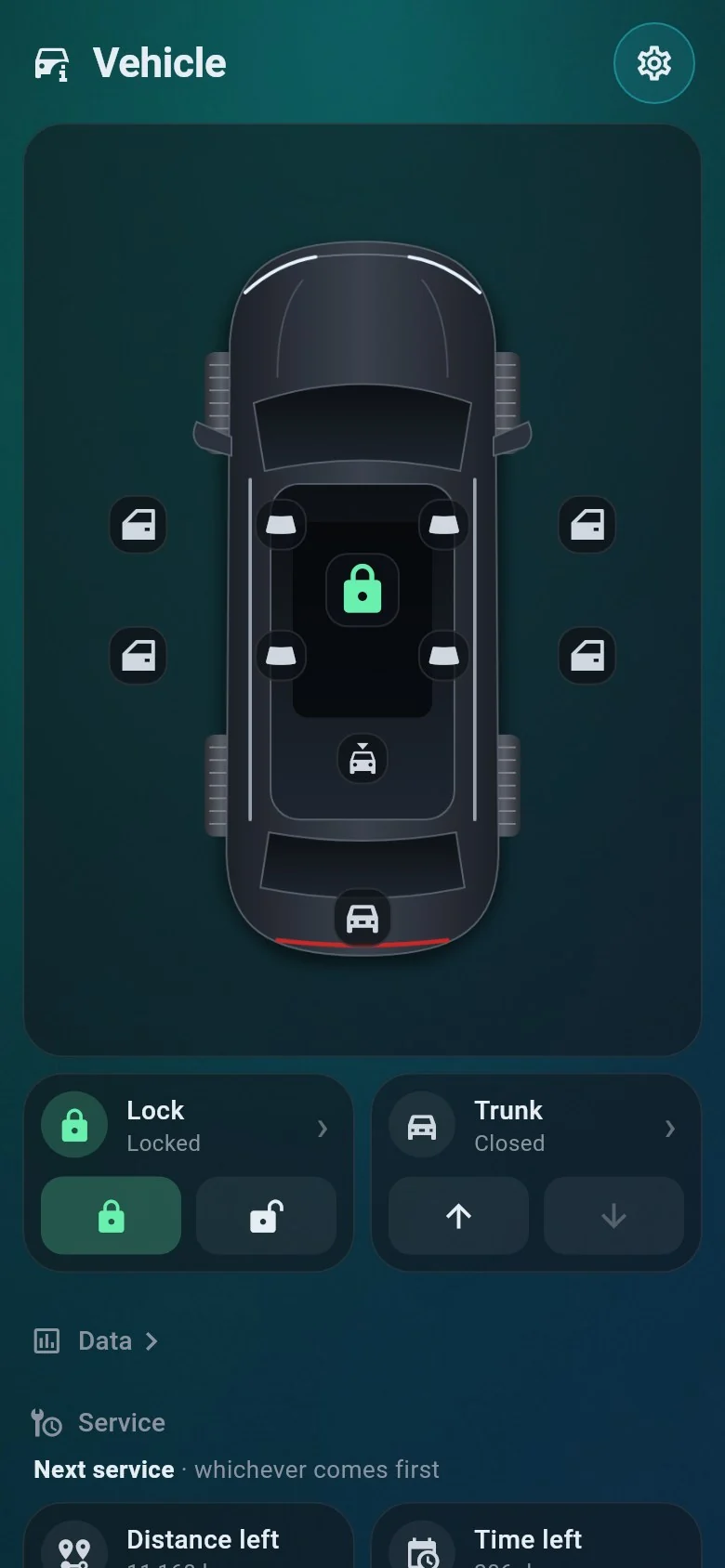
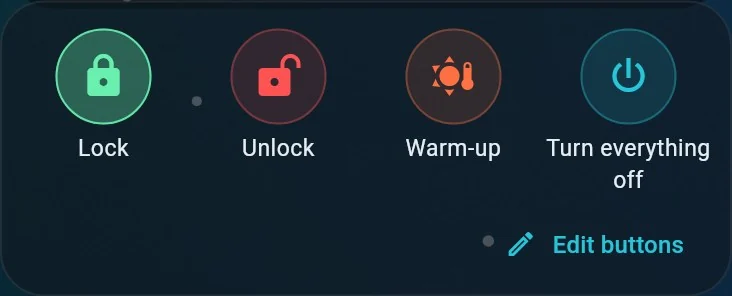
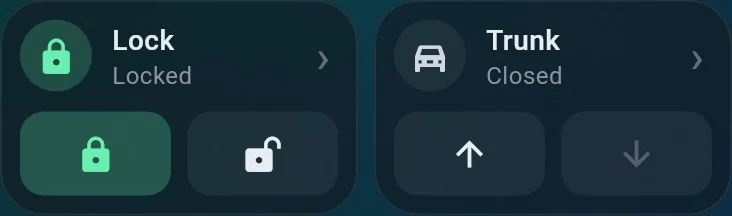
Your favourite commands, one tap away.
Put the buttons you use most on the home screen – lock, unlock, warm-up, turn everything off and more – in the order you like.
- Only what your car supports – Carmeo offers the commands your car accepts.
- From widgets too – Control Center buttons on iPhone, Quick Settings tiles on Android.
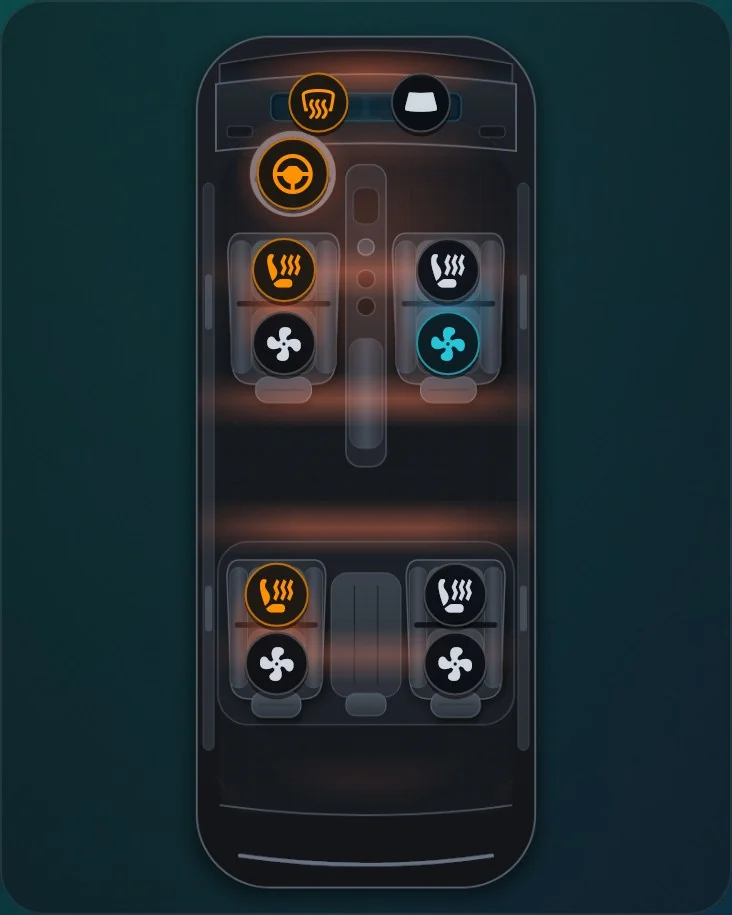
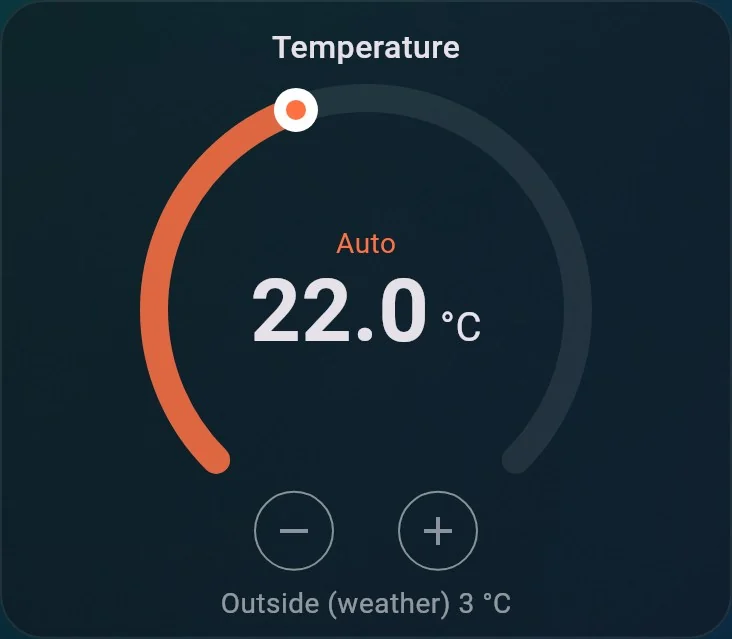
Climate, seat by seat.
Set the cabin temperature, switch seat heating and ventilation for each seat, the steering wheel heating, defrost and windscreen heating – on a top view of your cabin.
Did it work? Carmeo checks.
After a command Carmeo looks at the car again. If the car did not carry it out – because it is asleep or has no signal – you are told, instead of being left guessing.
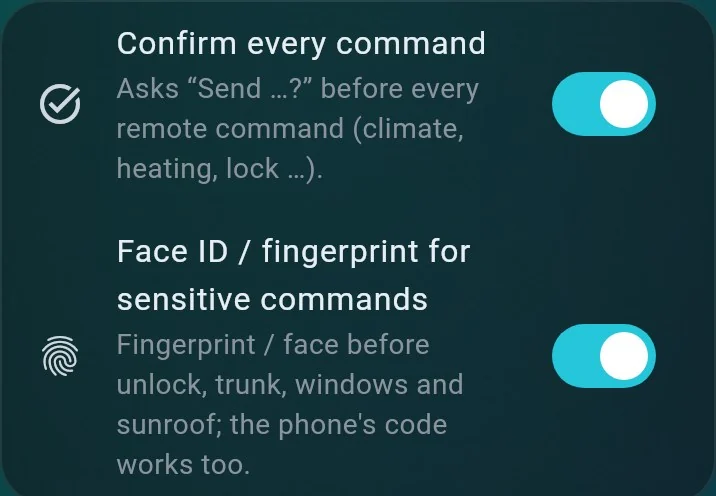
- Confirmation first – optionally, every remote command asks before it is sent.
- Face ID or fingerprint – optional before unlock, trunk, windows and sunroof.
Try it on your own car.
Carmeo is free. Join the open test group on iPhone or Android.