 Carmeo
For Chery, Omoda and Jaecoo owners
Your car, one glance away.
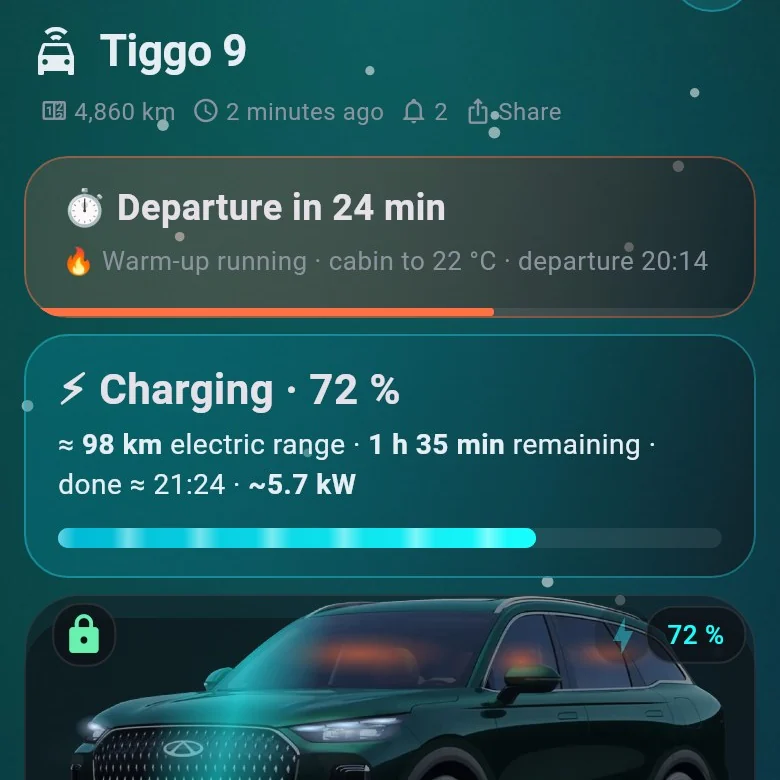
Battery, range, locks and climate at a glance. Warm up the cabin before you leave, follow every trip and charge, and get a nudge only when it matters.
- Free
- iPhone and Android
- English and Magyar
- Data stored in the EU
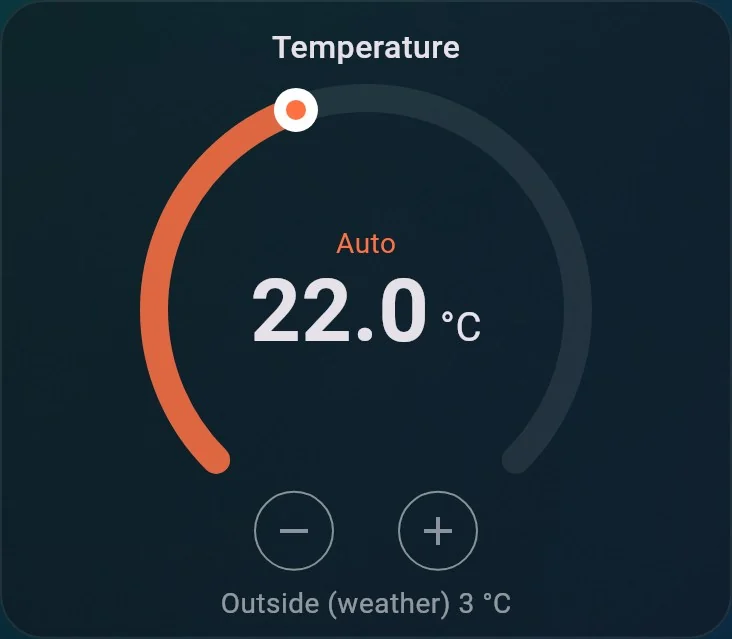
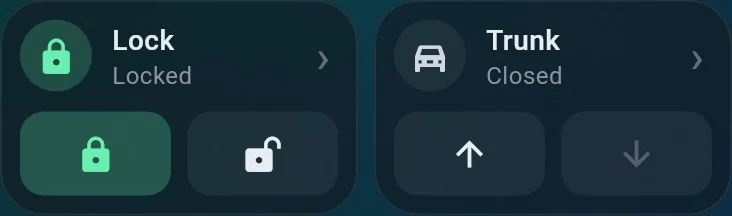
Works with connected Chery, Omoda and Jaecoo cars – Tiggo 7, Tiggo 8, Tiggo 9 and more.
Features
Everything the official app shows – and what it doesn’t.
Status at a glance
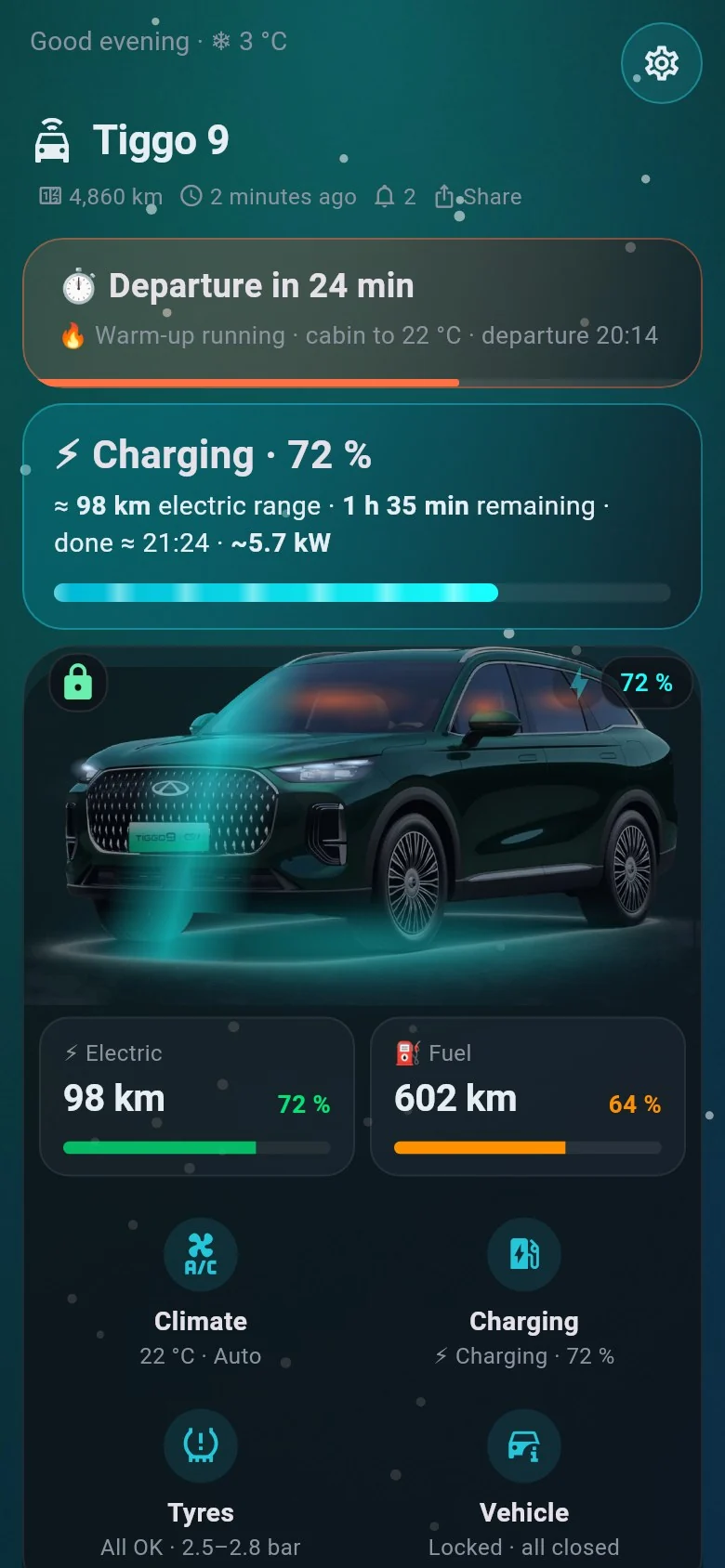
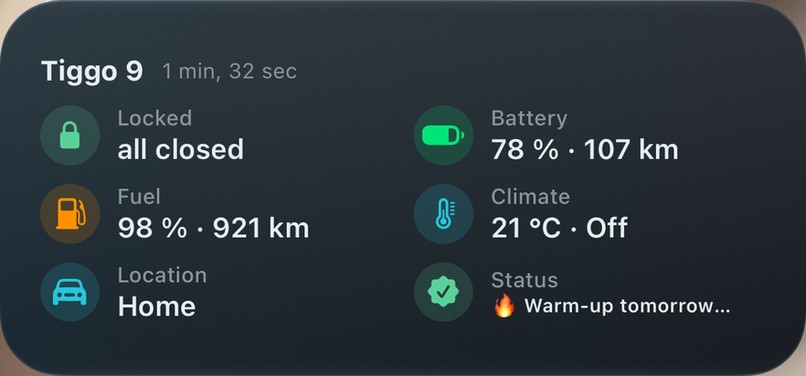
Battery, fuel and range, locks, doors, windows, tyres and where the car is parked – with your own car in its real colour.
Learn more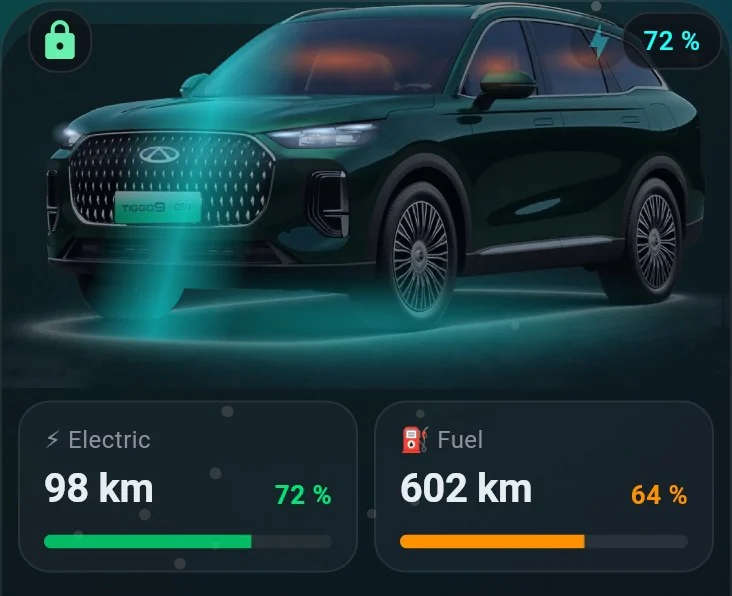
Charging insights
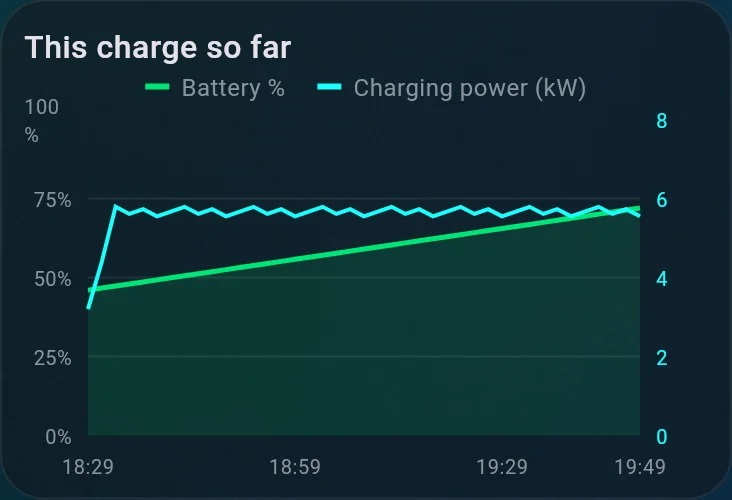
Live charging power in kW, time left, a log of every charge and energy added to the battery.
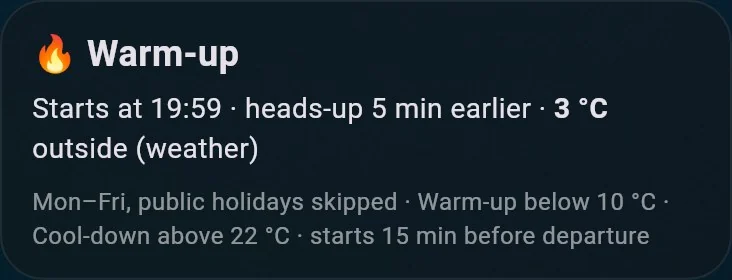
Smart warm-up
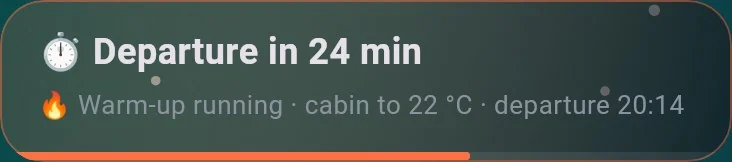
Set your departure per weekday. Carmeo checks the forecast and warms up or cools down the cabin just in time.
Remote control
Lock and unlock, climate, seat and steering wheel heating, defrost – with a confirmation before the risky ones.
Tyres, service, documents
Tyre pressure with a warning, next service by date or kilometres, vignette, MOT and insurance reminders.
Learn more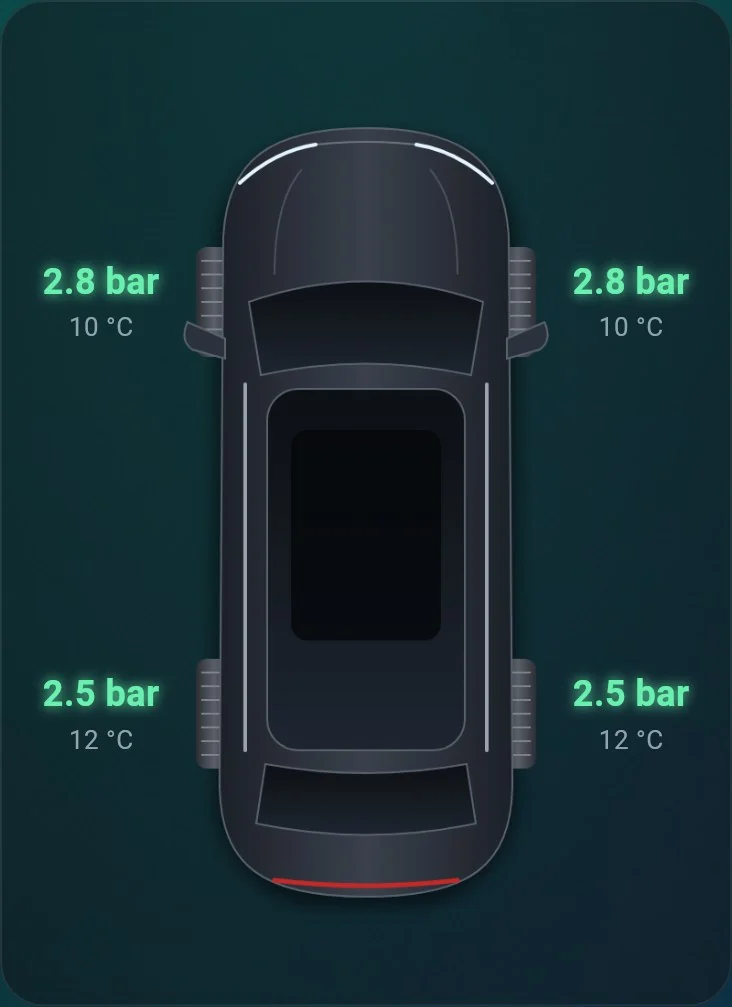
Alerts that matter
- Frost tonight
- Left unlocked
- Charging finished
- Someone drove off
Trips and routes
Every trip on the map, with its distance, electric share and what it cost you.
Learn moreCosts and consumption
Energy and fuel per trip, the cost of every trip and charge with your own home and public prices, monthly totals.
Learn moreSecurity built in
Two-step sign-in, signed-in devices you can log out remotely, Face ID or fingerprint before unlocking.
Learn moreNew in 1.7.0
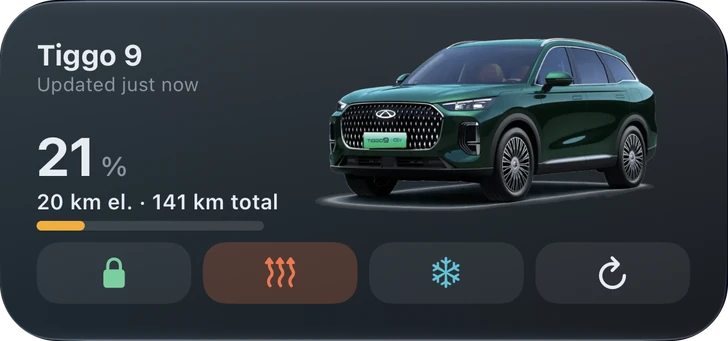
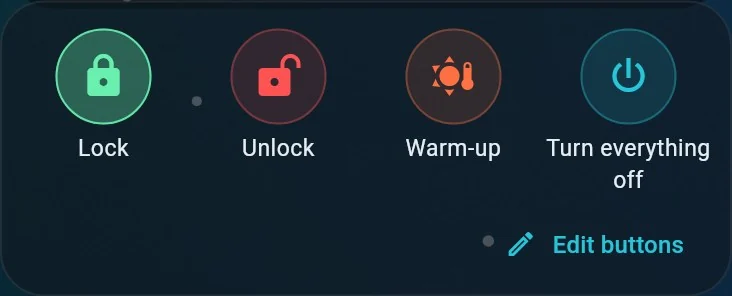
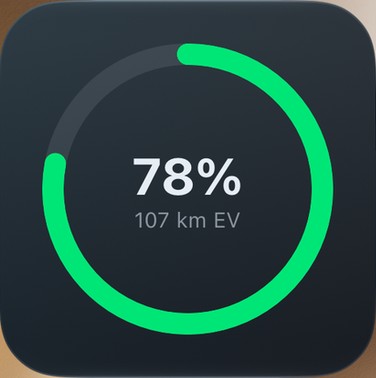
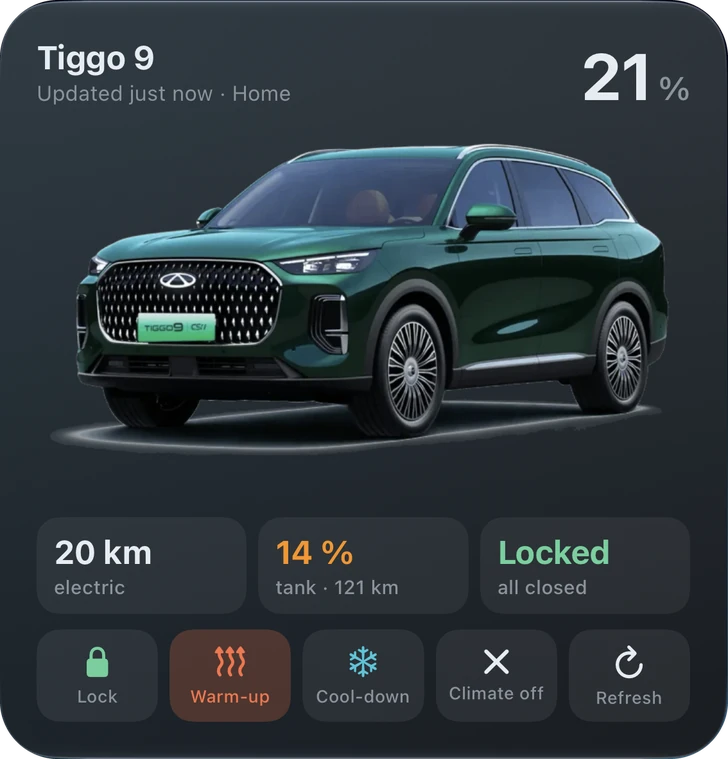 Your car in its own colour, battery and range – and a row of buttons to lock, warm up, cool down or refresh.
Beyond the app
Your car on the lock screen, not buried in an app.
iPhone
- Home and lock screen widgets
- Live Activities in the Dynamic Island
- Control Center buttons
Android
- Home screen widgets
- Quick Settings tiles
- Live charging notifications
Charging, warm-up countdowns and lock state follow you wherever you look – one tap to lock, warm up or cool down.
How it works
Up and running in three minutes.
Install Carmeo
Create a free Carmeo account with e-mail, Apple or Google.
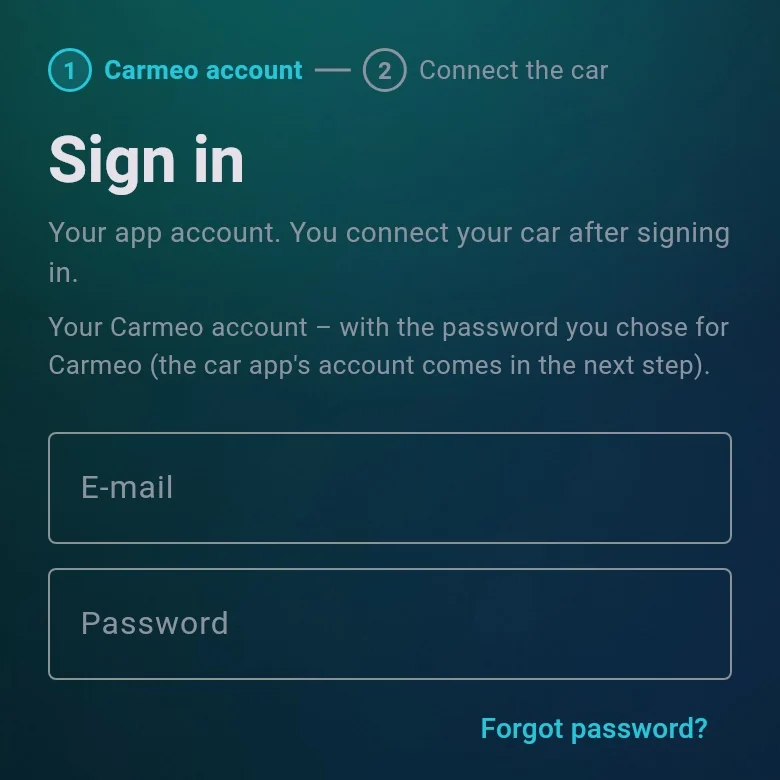
Connect your car
Sign in with your Chery or OMODA | JAECOO account. Tip: share the car with a second account, so the official app stays signed in too.
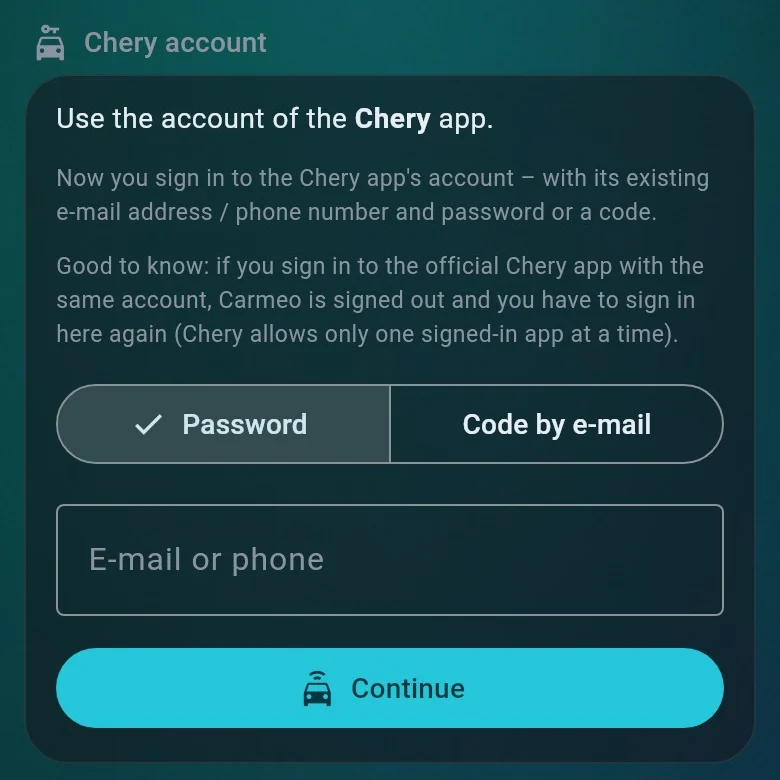
That’s it
Carmeo keeps an eye on your car around the clock – every 2 minutes while you drive or charge, every 10 when parked.
Privacy and security
Your car, your data.
Carmeo needs your car account to talk to your car. Here is exactly what happens to it – and to everything else the app stores.
Read the Privacy PolicyYour car password is never stored
It is used once to sign in to the car cloud, then deleted.
Keys and PIN are encrypted
The sign-in keys for your car and your vehicle PIN are stored with AES-256 encryption.
Stored in the EU
Your data lives on servers in Ireland and Germany.
No ads, no analytics
No profiling and no selling of data. Your data runs the app – nothing else.
Pause location history
Switch off location recording whenever you like – trips are then logged without places.
Export or delete anytime
Download everything Carmeo stores, or delete your account and all logs, right from the app.
Which cars work with Carmeo?
Cars that work with the official Chery app or the OMODA | JAECOO app in Europe. Tiggo 7, Tiggo 8 and Tiggo 9 are tested daily by our users.
Will the official app keep working?
The car clouds allow one signed-in app per account. Share your car with a second account in the official app and connect that one to Carmeo – both keep working.
How fresh is the data?
About every 2 minutes while driving or charging and every 10 minutes when parked, so the car is not kept awake. After a command Carmeo refreshes right away.
Does it cost anything?
No. Carmeo is free to use.
Be the first to try new features.
Carmeo is in open testing on iPhone and Android. It is free, and your feedback shapes what comes next.
iPhone – TestFlight
E-mail us the address of your Apple Account and the model of your car. The TestFlight invitation arrives by e-mail.
Android – Google Play
- Join the tester group with your Google account.
- Open the test page on Google Play and install Carmeo.